
Inspecting an army
Tap a friendly army to open its panel: troop members, health, location, weapon information and orders. A stack may contain several troops. Split separates selected living members, and Add Army joins compatible friendly formations.
Roads, water and air
Press Move to arm destination picking, then tap a destination. The server checks the route before confirming. Ground troops and tanks follow valid roads, ships sail in water and aircraft fly. A tap on a destination is a real travel order — avoid routes near hostile forces while you are learning.
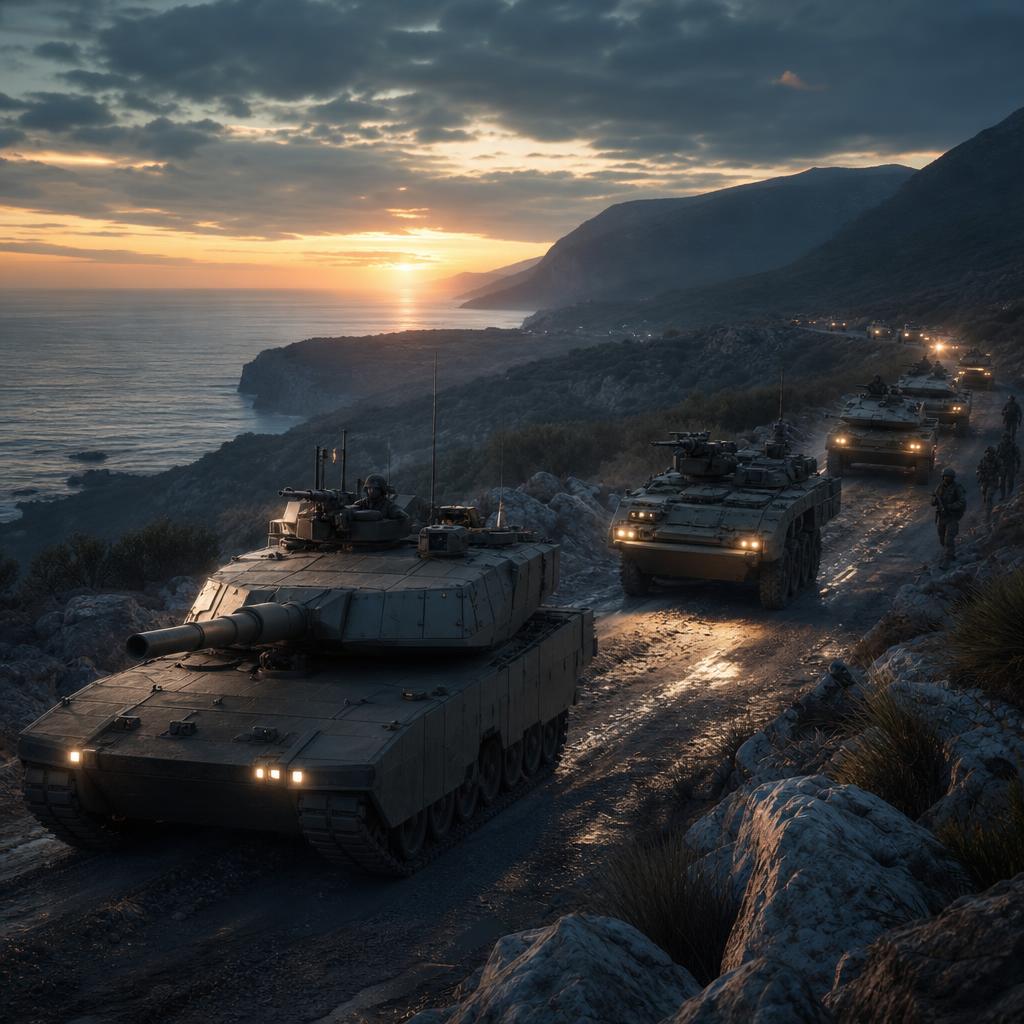
Illustrative artwork — not gameplay footage
Stop holds position
Select a moving army and press Stop. A confirmed stop holds the army at its current position; it does not teleport home.
March is not capture
Moving through or into a province does not take it. Capturing requires an explicit Capture order, which sends eligible troops to the province centre. Defenders there can block the capture. Original capitals never transfer ownership, though their troops can be destroyed.
Contact, range and cooldowns
Contact first
Targeting an enemy army requires a current contact shared by your country. Sensor reach and weapon range are separate: seeing an enemy does not let you hit it.
Distinct ranges
Ground and tank close weapons engage at 50 km. Defenders can have a distinct defensive range, while ranged, aircraft and naval weapons follow their own catalogue rules.
Cooldowns
Attacks repeat when a weapon's cooldown finishes. An animation is not a second shot.
Defence controls
Stop Attack cancels manual pursuit; it does not stop enemy fire or your automatic defence. Stop Defence separately disables automatic defence, and Activate Defence restores it. Check current contact and army state; combat reports describe past events, not live visibility.
Scout before committing
Confirm a current contact rather than relying on old reports.
Know your range
Check weapon information so you do not march into a fight you cannot answer.
Use Fortresses
They protect friendly troops physically inside the province.